100%
On-device detection
Photograph your competition targets and TargetLog's on-device computer vision detects every shot, applies official ISSF scoring, and tracks your progress over time — all on your phone.
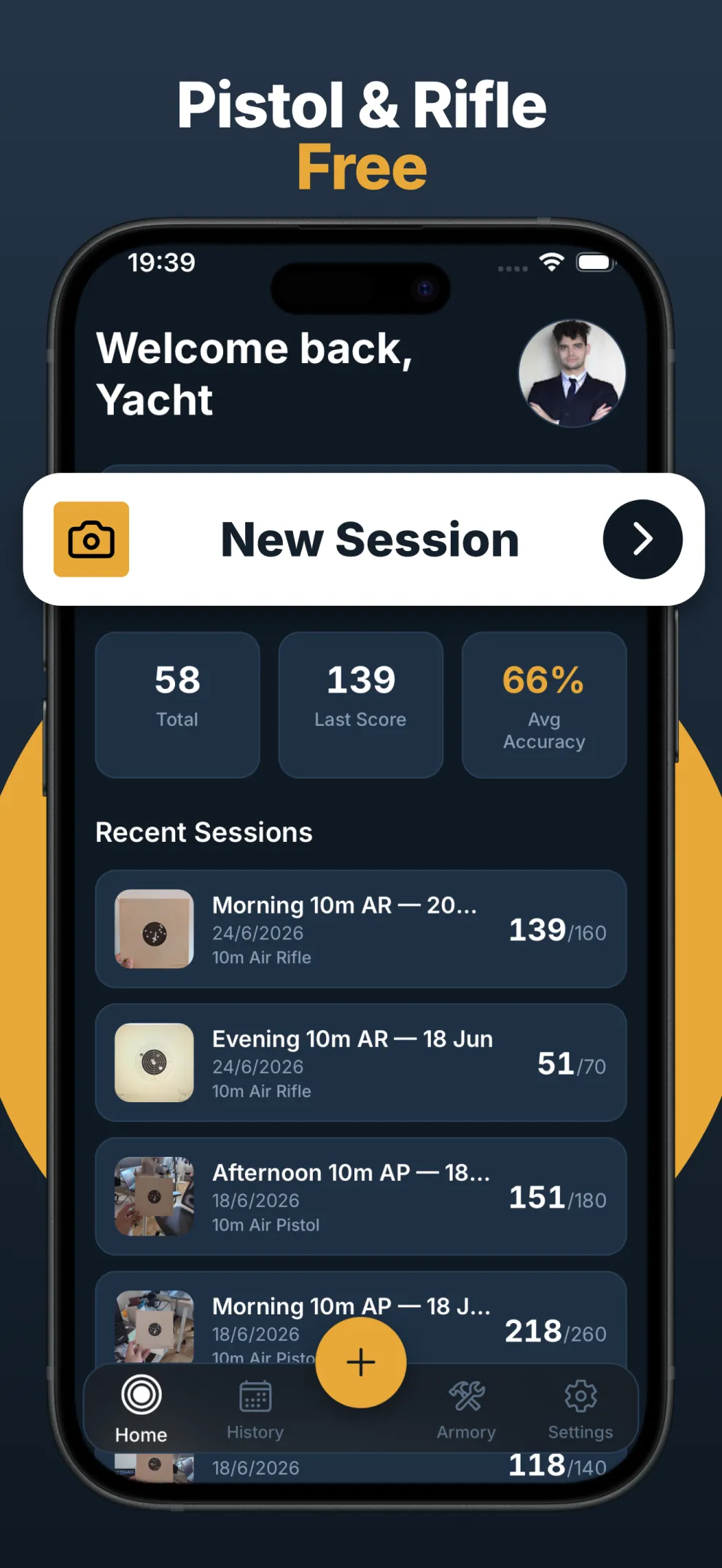
Everything you need to score a target, log a session, and watch your group tighten — without a notebook, a calculator, or a data connection.
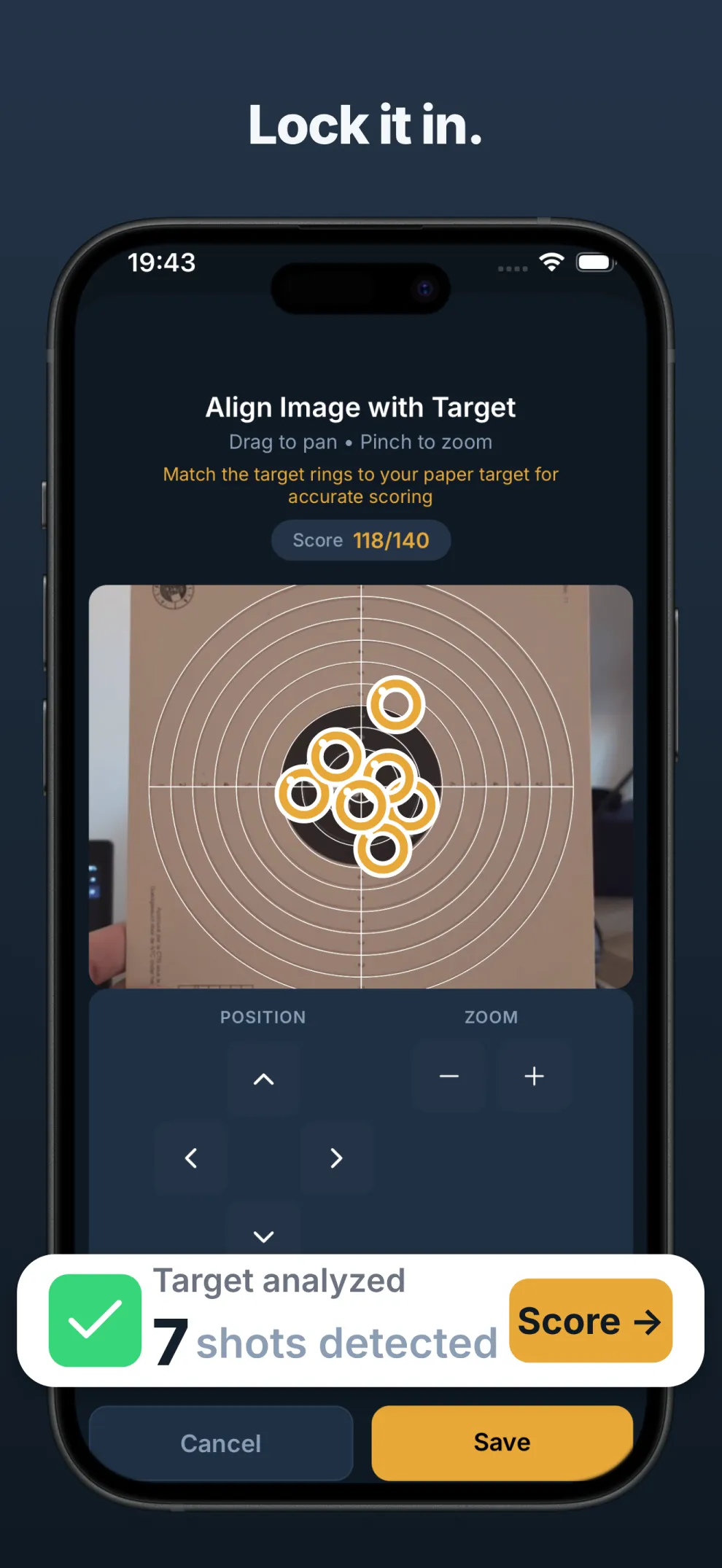
On-device computer vision finds every bullet hole on any standard competition target — no manual tapping.
Computer visionRing values, X-count, and decimal scoring — calculated to competition rules the instant you photograph the target.
ISSF rulesetLog every range session with date, discipline, notes, and score. Browse your full history in a searchable calendar.
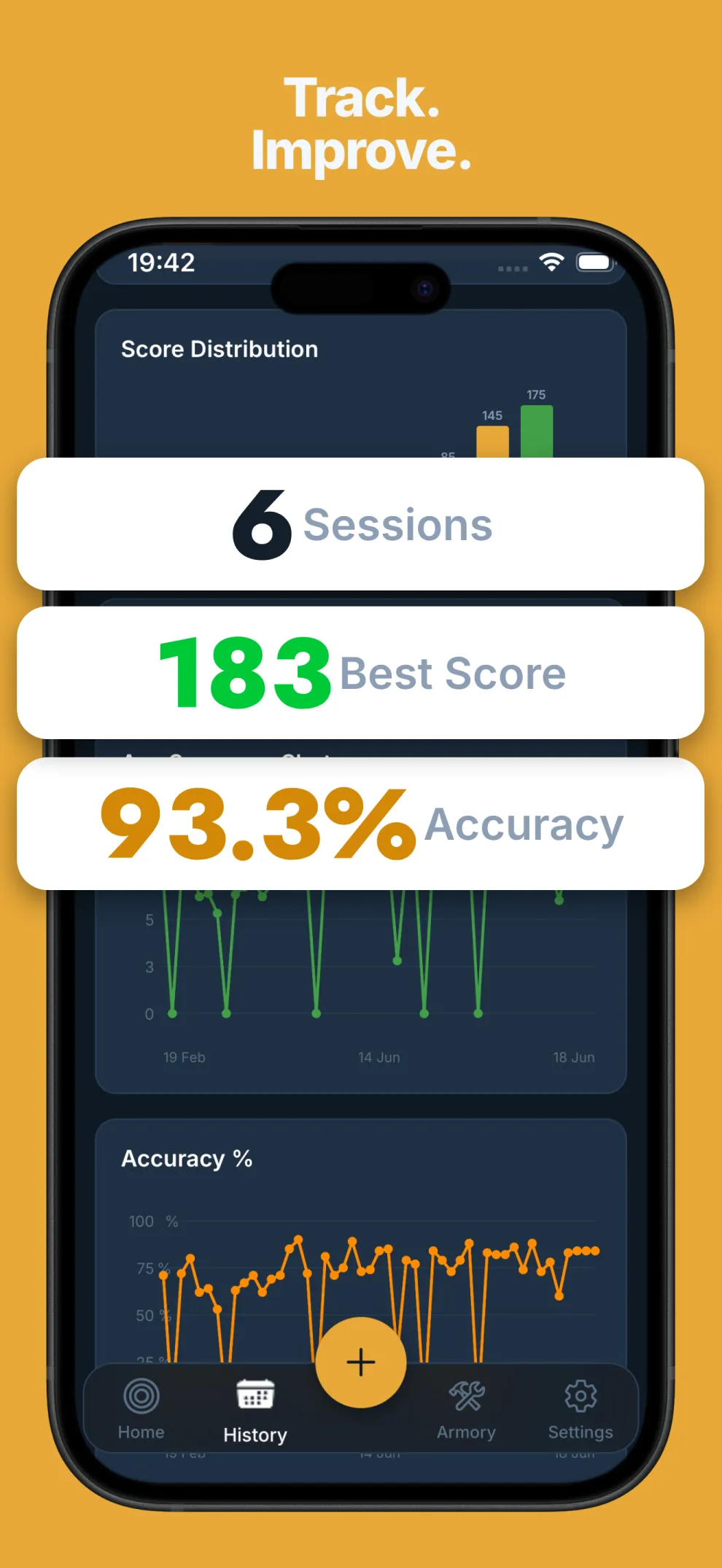
History & calendarProgression charts, distribution histograms, and shot-group analysis surface the trends behind your score.
Charts & trendsPistol, carbine, and more — each discipline uses its own ISSF ring boundaries for accurate, specific scoring.
Pistol · CarbineSessions live on your device by default. Add an optional account to sync them across your own devices — entirely opt-in.
Opt-in syncNo calipers, no spreadsheets. Aim, snap, and read your score — then let TargetLog remember the rest.
Use the built-in camera or pick a photo from your gallery. Works with any standard ISSF competition target — aim, snap, done.
Computer vision maps each hole to the rings and computes your score by ISSF rules. Tap to correct any shot by hand if you want.
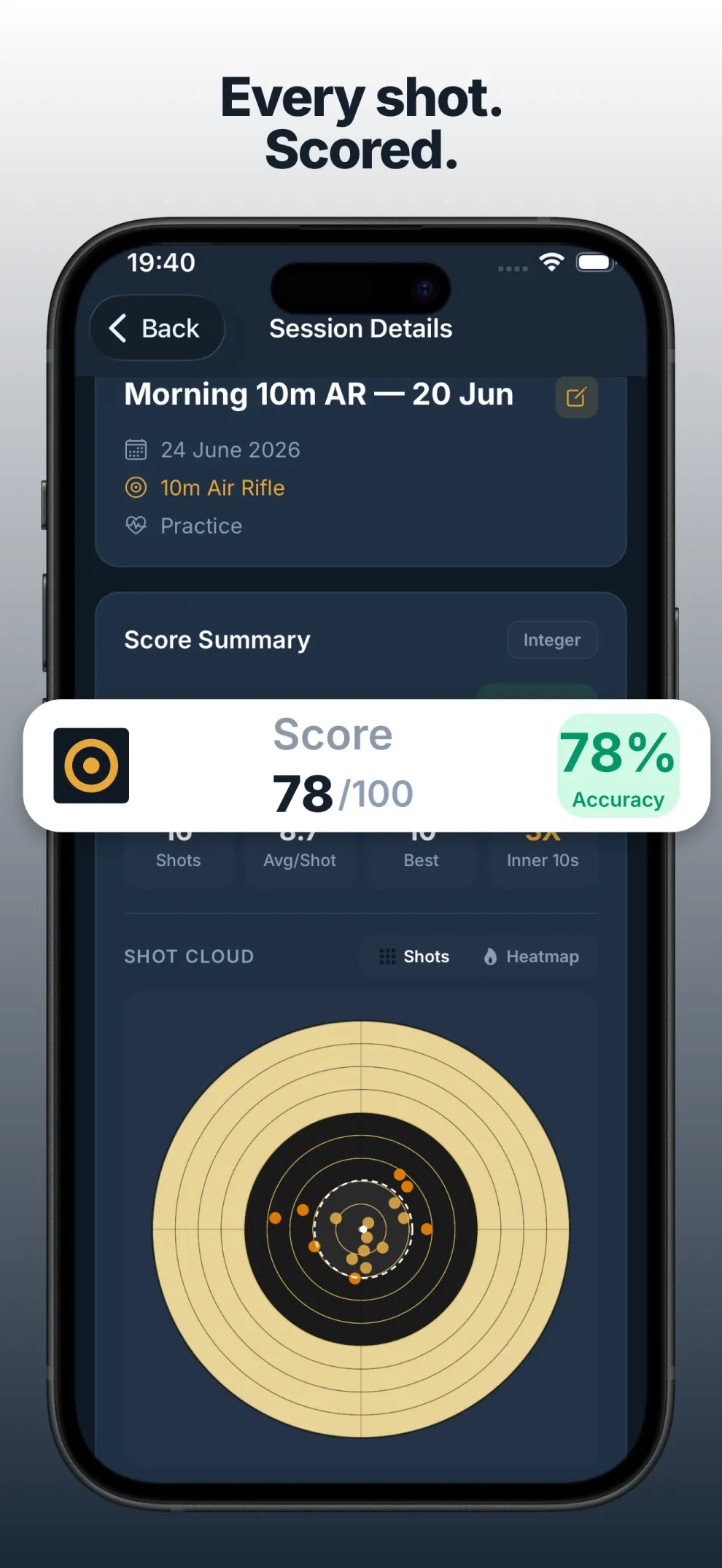
Review sessions with interactive overlays and watch your groups tighten over time with charts, stats, and group analysis.
Each discipline is scored against its own official ISSF ring geometry. Pick yours to see exactly how photo scoring works for it.
Any discipline, straight from a photo of the card.
All eventsDecimal rings and inner tens on the 0.5 mm ten.
LGInteger rings, inner-tens for ties, 60-shot totals.
LP10m, 25m, 50m and 300m events, by the rules.
All ISSFGroup diameter and drift, tracked session over session.
AnalysisFive screens cover the full loop — from the home range logbook to detailed target analysis.
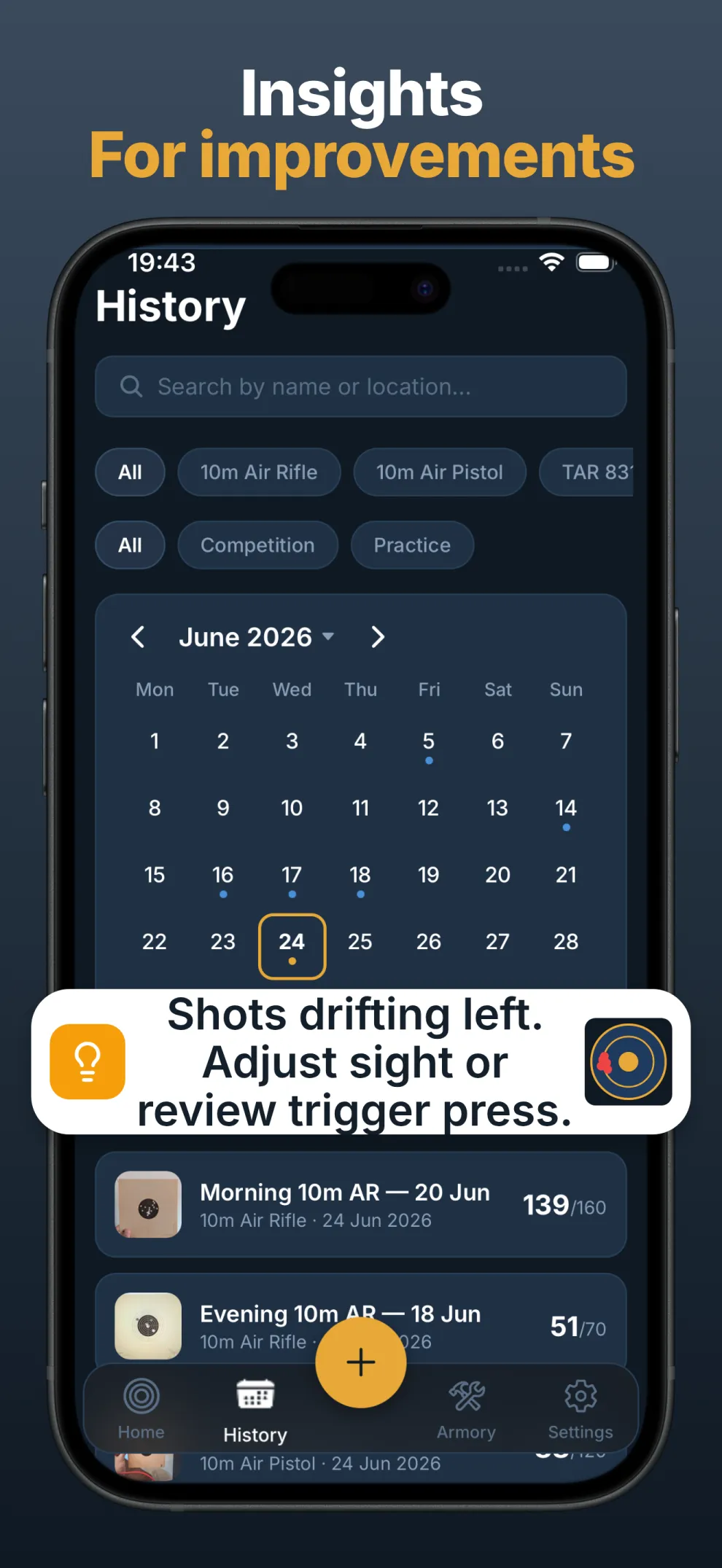
← Swipe to browse →
TargetLog measures shot-group diameter across sessions so the thing that actually matters — consistency — is the thing you can see improving.
Automatic measurement of your shot spread, session over session.
See your average climb alongside tighter, more repeatable groups.
Histograms reveal whether you're pulling left, dropping low, or scattering.
Illustrative — group analysis visualizes your own session data
TargetLog still detects and scores on your phone, and keeps your sessions there by default. Add an optional account to carry your logbook across your own devices — it's opt-in, and the app works fully without it.